Unified Email Inbox Connected to Your CRM
Integrate Gmail and Outlook directly into VegaERP. Every email is automatically linked to the right contact and deal, giving your team complete conversation history without switching between apps.
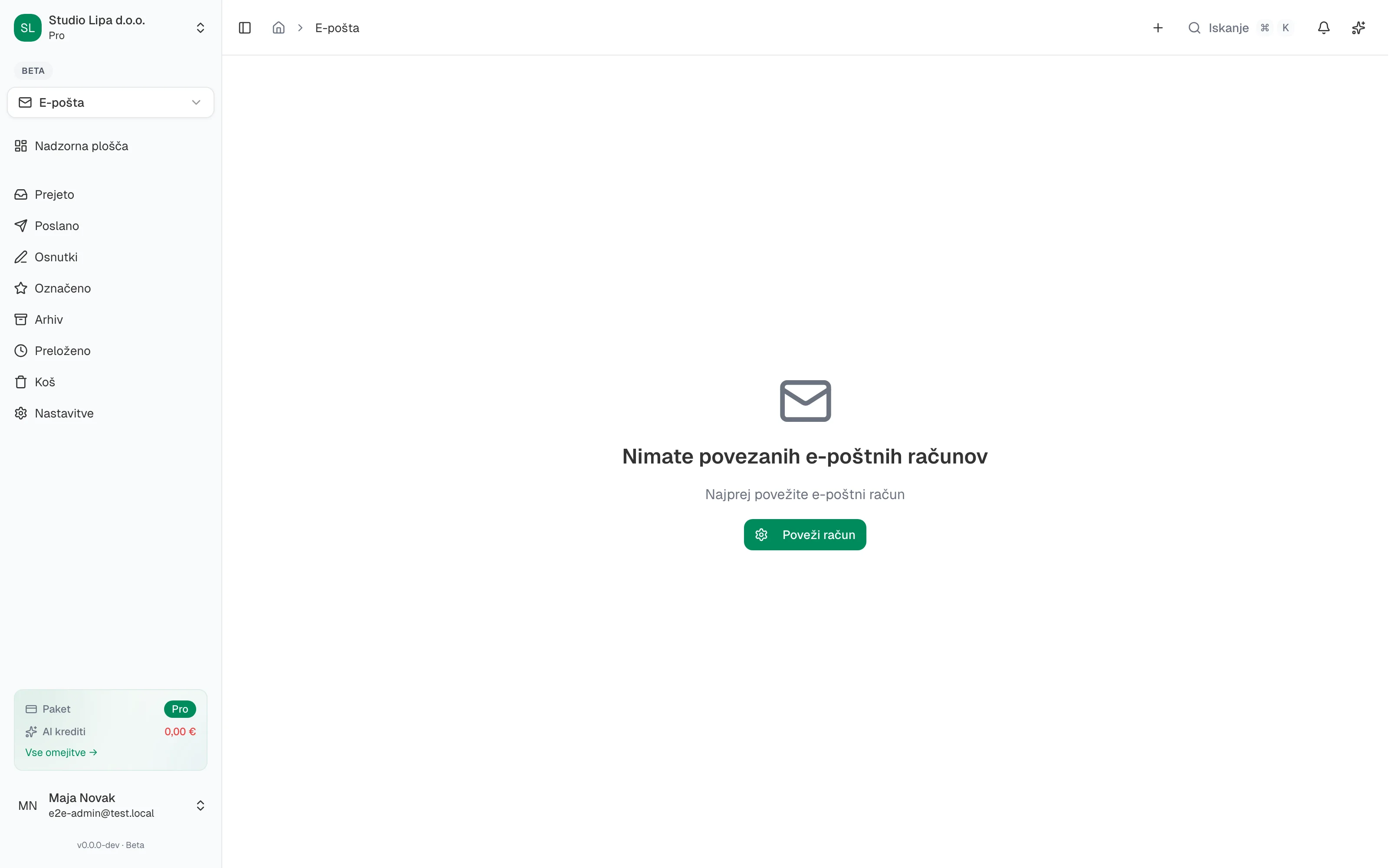
Your most important customer conversations happen in email, but they get lost in personal inboxes where nobody else on the team can see them. When a colleague is on vacation or leaves the company, those conversations vanish. VegaERP solves this by bringing your Gmail and Outlook emails directly into the CRM, linked to the right contacts and deals, visible to everyone who needs them.
Connect your Google Workspace or Microsoft 365 account using secure OAuth2 authentication — no passwords stored, no insecure IMAP connections. Incoming and outgoing emails are automatically matched to CRM contacts by email address and displayed on the contact's activity timeline. You can read, reply, and compose emails directly from within the CRM without switching to a separate email client.
Email templates save time on repetitive messages like follow-ups, meeting confirmations, and quote cover letters. Automation rules can trigger actions when emails arrive — create a task when a VIP contact writes, move a deal to the next stage when a signed contract is received, or notify a manager when a support email goes unanswered. Your email becomes a proactive business tool instead of a reactive inbox.
Why Teams Integrate Email with VegaERP
Complete Conversation History on Every Contact
Every email sent and received is logged on the contact's timeline. Your team always has full context before reaching out, even if they were not part of the original conversation.
No More Lost Emails When Staff Changes
Customer emails are stored in the CRM, not personal inboxes. When team members move on, the conversation history stays with the company.
Secure OAuth2 — No Passwords Stored
Gmail and Outlook connect using modern OAuth2 authentication. Your email credentials are never stored in VegaERP, and you can revoke access at any time.
Email Automation That Saves Hours
Set rules to trigger tasks, move deals, or send notifications based on incoming emails. Turn your inbox from a time sink into an automated workflow engine.
Full Email Integration Features
Gmail OAuth2 Integration
Connect your Google Workspace or personal Gmail account securely. Emails sync bidirectionally and appear on CRM contact timelines automatically.
Outlook OAuth2 Integration
Connect your Microsoft 365 or Outlook account with secure OAuth2 authentication. Full email sync with CRM contact and deal linking.
Unified Inbox
View all your connected email accounts in a single inbox within the CRM. Filter by account, contact, deal, or status without switching between email clients.
Automatic Contact and Deal Linking
Incoming and outgoing emails are matched to CRM contacts by email address and displayed on contact and deal activity timelines automatically.
Email Templates
Create reusable email templates for common messages like follow-ups, introductions, and quote cover letters. Insert dynamic fields from contact and deal records.
Email Automation Rules
Define rules that trigger CRM actions when emails arrive. Create tasks, update deal stages, send notifications, or assign contacts based on email content and sender.
Compose and Reply from CRM
Send emails directly from VegaERP using your connected account. Recipients see your normal email address, not a CRM notification address.
Email as the Bridge Between CRM and AI
Email integration connects your communication history to CRM contact and deal records, creating a complete picture of every customer relationship. AI automation can analyze email content, suggest follow-up actions, and draft responses, turning your inbox into an intelligent assistant.
Connect Your Email to Your CRM Today
Link Gmail or Outlook in minutes with secure OAuth2. Every email becomes part of your customer relationship history automatically.